How to Build a Car Rental Marketplace Like Turo (MVP in 3–6 Weeks)
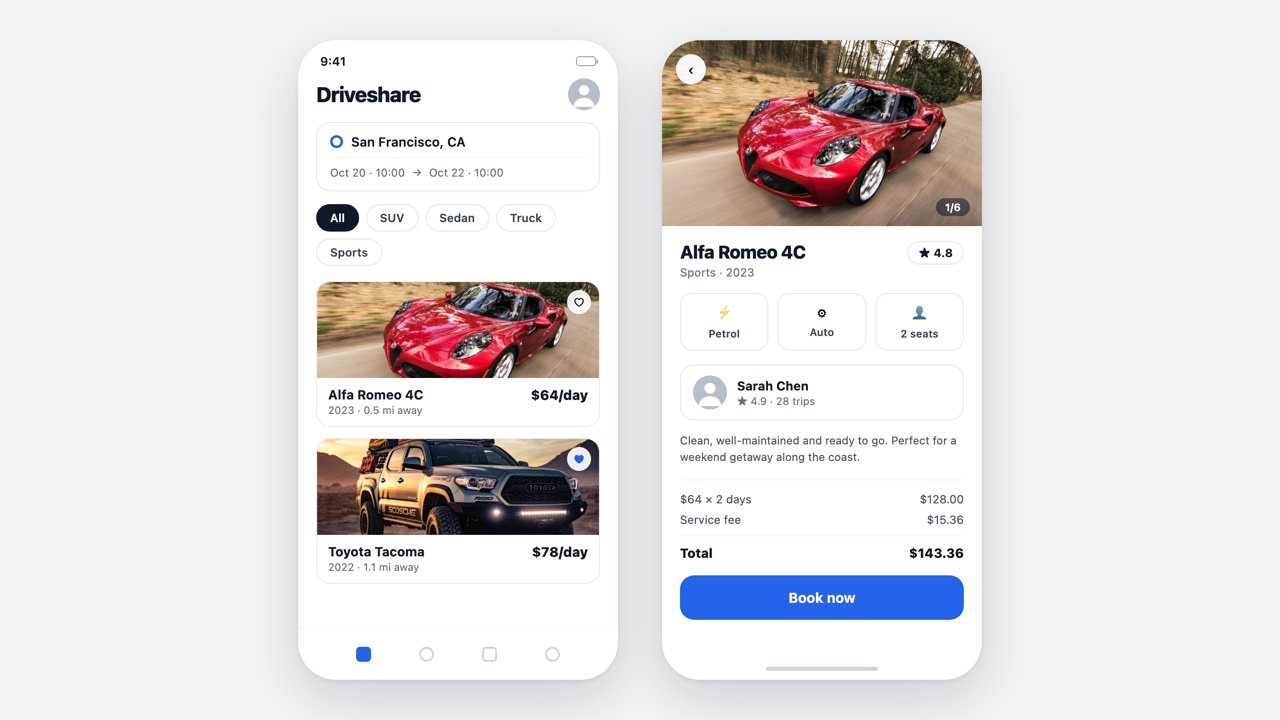
Build a Turo clone on WordPress or Laravel: how peer-to-peer car sharing works, the features an MVP needs, insurance realities, native apps, and a $5–10k launch path.
Read article
Get started, install and customize themes, speed things up, and fix common WordPress errors.
Build a Turo clone on WordPress or Laravel: how peer-to-peer car sharing works, the features an MVP needs, insurance realities, native apps, and a $5–10k launch path.
The best freelance marketplace WordPress theme options for 2026, from project-bidding platforms to microjob sites — compared on payments, commissions, and features.
The best page builder for WordPress in 2026, compared: Elementor, Bricks, Beaver Builder, Divi, and more — ease of use, performance, and free vs paid.
The best WordPress classified ads themes for 2026. Compare ad submission, per-listing payments, moderation, and maps to build a classifieds site that works.
Looking for the best WordPress hosting? Compare shared, managed, VPS, and cloud options, plus honest picks for 2026 to match a host to your site.
The best WordPress directory themes for 2026 for building a business directory, listings, or classifieds site — compared on listings, maps, reviews, and monetization.
The best WordPress themes for blogs in 2026, free and premium. Compare GeneratePress, Astra, Kadence, Neve, and more with a speed and readability table.
The best WordPress themes for marketing agencies in 2026, free and premium. Compare Astra, Kadence, Divi, BeTheme, Kalium and more in one table.
The best WordPress themes for business in 2026, free and premium. Compare Astra, Kadence, Divi, Total, and more with a speed-focused comparison table.
The best WordPress themes for musicians and bands, free and premium. Compare music WordPress themes with audio players, tour dates, and merch in one table.
The best WordPress themes for nonprofits in 2026 — free and premium picks with donation integration, event calendars, volunteer sign-ups, and accessibility.
The best WordPress themes for portfolio sites in 2026 — free and premium picks for creatives, freelancers, and designers, with a comparison table.
The best WordPress themes for photographers in 2026, free and premium. Compare galleries, speed, proofing, and print sales across 8 photography themes.
The best WordPress themes for travel blogs in 2026 — big imagery, maps, Instagram feeds, fast loading, and affiliate-ready layouts, free and premium.
Elementor vs Gutenberg compared: learning curve, design flexibility, page weight, cost, and lock-in — with an honest verdict for each scenario.
How to change your WordPress domain without losing SEO: back up, update the site URL, search-replace the database, set 301 redirects, and update Search Console.
Learn how to make a website with WordPress from scratch: plan, pick hosting, install WordPress, choose a theme, build pages, and launch with confidence.
Learn how to start a blog with WordPress in 2026 — pick a niche, get hosting, install WordPress, choose a theme, add plugins, and publish your first post.
Learn how to migrate a WordPress site to a new host with plugins, manual SFTP, or free host migrations—plus DNS, testing, and post-migration fixes.
A practical WordPress maintenance checklist: weekly, monthly, quarterly, and yearly tasks to keep your site secure, fast, and running smoothly all year.
Learn what a WordPress staging site is and how to create one with host tools, WP Staging, or LocalWP—then push changes to production safely.
A beginner-friendly guide to WordPress widgets: what they are, how to add widgets in WordPress, widget areas, block vs classic widgets, and more.
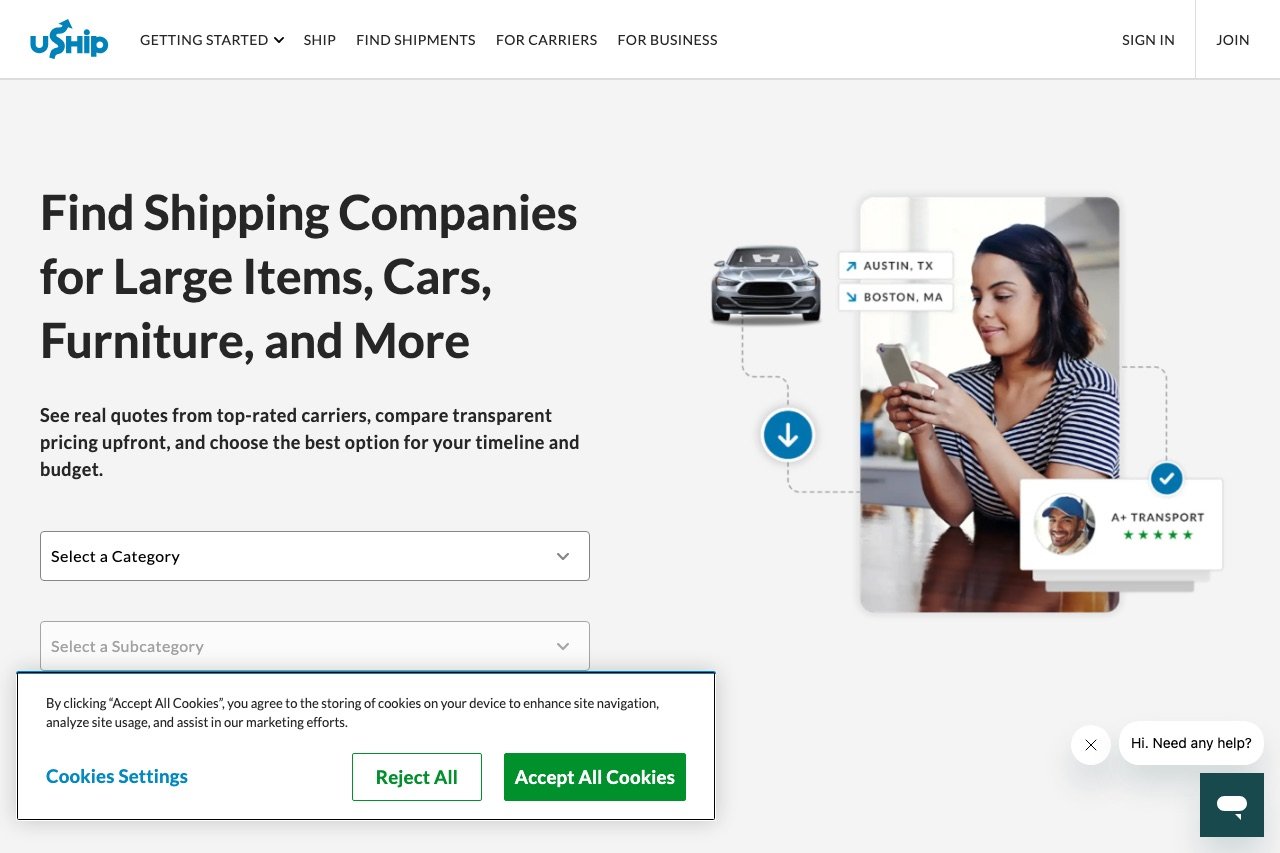
Build a shipping marketplace like uShip on WordPress: the reverse-auction model, must-have features, escrow payments, mobile apps, and the fastest way to launch.
Learn how to add Google Analytics to WordPress three ways — Site Kit plugin, manual GA4 tag, or Google Tag Manager — with GA4 setup and verification.
A practical guide to cookieless analytics WordPress owners can trust — how it works, the best no-cookie-banner tools, and the compliance caveats to know.
A beginner-friendly GA4 WordPress guide: how the event model works, the reports that matter, setting up key events, and connecting Search Console.
The best Google Analytics alternative WordPress options — free, privacy-friendly, and self-hosted tools to replace GA4 without the complexity.
An honest Independent Analytics review for WordPress: how in-dashboard, cookieless stats stored in your own database work, plus free vs Pro and alternatives.
An honest Matomo review for WordPress: features, self-host vs cloud, privacy and GDPR positioning, the WordPress plugin, cons, and how it compares to GA.
An honest Plausible Analytics review for WordPress: cookieless privacy, dashboard, setup, self-hosting, pricing, and whether it's worth it.
Plausible vs Fathom: compare dashboards, privacy, self-hosting, pricing, and WordPress integration to pick the right cookieless analytics tool.
The best privacy-friendly analytics WordPress tools compared — cookieless, GDPR-compliant, and lightweight options that respect your visitors and speed.
The best anti-spam plugin for WordPress stops comment and form spam. Compare Akismet, Antispam Bee, CleanTalk, honeypot, and captcha options.
Compare the best contact form plugin WordPress options for 2026 — WPForms, Fluent Forms, Gravity Forms and more, with a free vs paid comparison table.
The best image optimization plugin WordPress options compared — compression, WebP and AVIF conversion, lazy load, CDN, and free quotas for a faster site.
Need a table plugin for WordPress? Compare 6 real options for data tables, responsive layouts, sorting, search, and CSV import — free and paid tiers.
Compare the best WordPress caching plugins for 2026 — WP Rocket, LiteSpeed Cache, W3 Total Cache, and more — on features, ease of use, and free vs paid.
Compare the 8 best WordPress backup plugins for 2026 — scheduled backups, offsite storage, one-click restore, and migration, with free and paid options.
Compare the 7 best WordPress security plugins for 2026 — firewall, malware scanning, and login hardening, with free tiers and paid pricing broken down.
Free vs premium WordPress plugins compared: what free really means, what paid buys, when to upgrade, nulled-plugin risks, and how to vet a free plugin.
How many WordPress plugins is too many? The honest answer is not a number. Learn what actually slows sites down and how to audit your plugins.
Learn how to update WordPress plugins safely: back up first, use staging, update in small batches, read changelogs, and roll back when an update breaks your site.
Add a live chat widget to WordPress in under 10 minutes — with an AI chatbot, ticketing, and a free plan. Step-by-step setup plus the best alternatives.
Looking for the right accordion plugin WordPress users actually recommend? Compare 7 options — including the free built-in Details block — plus SEO answers.
Looking for a free FAQ plugin for WordPress? Compare 8 genuinely free options with schema support, accordion layouts, and honest free-version limits.
Comparing every knowledge base plugin WordPress offers? See 7 top picks — Heroic KB, BetterDocs, Echo, weDocs and more — with search and analytics.
Learn how to add FAQ section in WordPress three ways: the block editor with no plugin, a free FAQ plugin, or your SEO plugin's schema-ready FAQ block.
An honest Ultimate FAQ plugin review: setup, layouts, schema, WooCommerce integration, pricing caveats, and whether the free version is enough.
A WordPress FAQ plugin comparison of 8 popular options — free versions, schema, search, layouts, and WooCommerce support in one table.
Need a WordPress FAQ plugin with search? Compare 6 options with live search, categories, and schema — and see which include search in the free tier.
The top 15 WordPress agencies in 2026 across development, SEO, publishing, WooCommerce, and maintenance — and how to pick the right one for your project.
A practical, step-by-step guide to launching an online auction website — from picking a niche and platform to bidding features, payments, and going live. Includes WordPress and custom-build options.
Looking to hire a WordPress agency? Here are the top WordPress development agencies in 2026 — what they do best, how to choose one, and what to budget.
The 15 essential WordPress plugins every beginner needs — free picks for SEO, security, backups, caching, and forms, with setup tips.
Gutenberg or Classic Editor? Compare block vs TinyMCE editing, pros, cons, and which editor fits your WordPress workflow best.
WordPress.com vs WordPress.org—confused by the two? This plain-English comparison covers cost, control, plugins, themes, and which one is right for you.
New to WordPress? This beginner's guide covers hosting, installation, dashboard basics, themes, and first settings to launch your site with confidence.
Stuck on a WordPress error? Here are 12 of the most common problems—white screen, 500 error, DB issues—and exactly how to fix them.
Protect your WordPress site with these 10 practical security steps: updates, strong passwords, 2FA, security plugins, backups, HTTPS, and more.
Slow WordPress site? These 12 practical techniques — caching, image optimization, CDN, hosting, and more — will measurably improve your page load times.
Weighing free vs premium WordPress themes? Compare cost, support, updates, security, and customization to find the right fit for your site in 2026.
Learn how to back up a WordPress site for free using a plugin, your host's tools, or manual FTP and phpMyAdmin—and how to restore when things go wrong.
Find the best free WordPress theme for your niche—blog, business, portfolio, restaurant, ecommerce, and more—with tips on what to look for.
Learn how to customize your WordPress theme using the Customizer, site editor, and plugins — change colors, fonts, menus, and more without touching code.
Add a contact form to WordPress without coding. Step-by-step guide covering plugin setup, form building, placement, spam protection, and email notifications.
Learn how to install a WordPress theme in minutes. We cover all three methods — the theme directory, uploading a ZIP, and FTP — plus what to do after activating.
Learn how to create a WordPress child theme from scratch—safely customize any theme without losing changes on updates. Includes code snippets and clear steps.
Join the newsletter for new free themes, fresh guides, and practical WordPress, SEO & WooCommerce tips. No spam — unsubscribe anytime.